Real software.
Zero setup.
Nothing to learn.
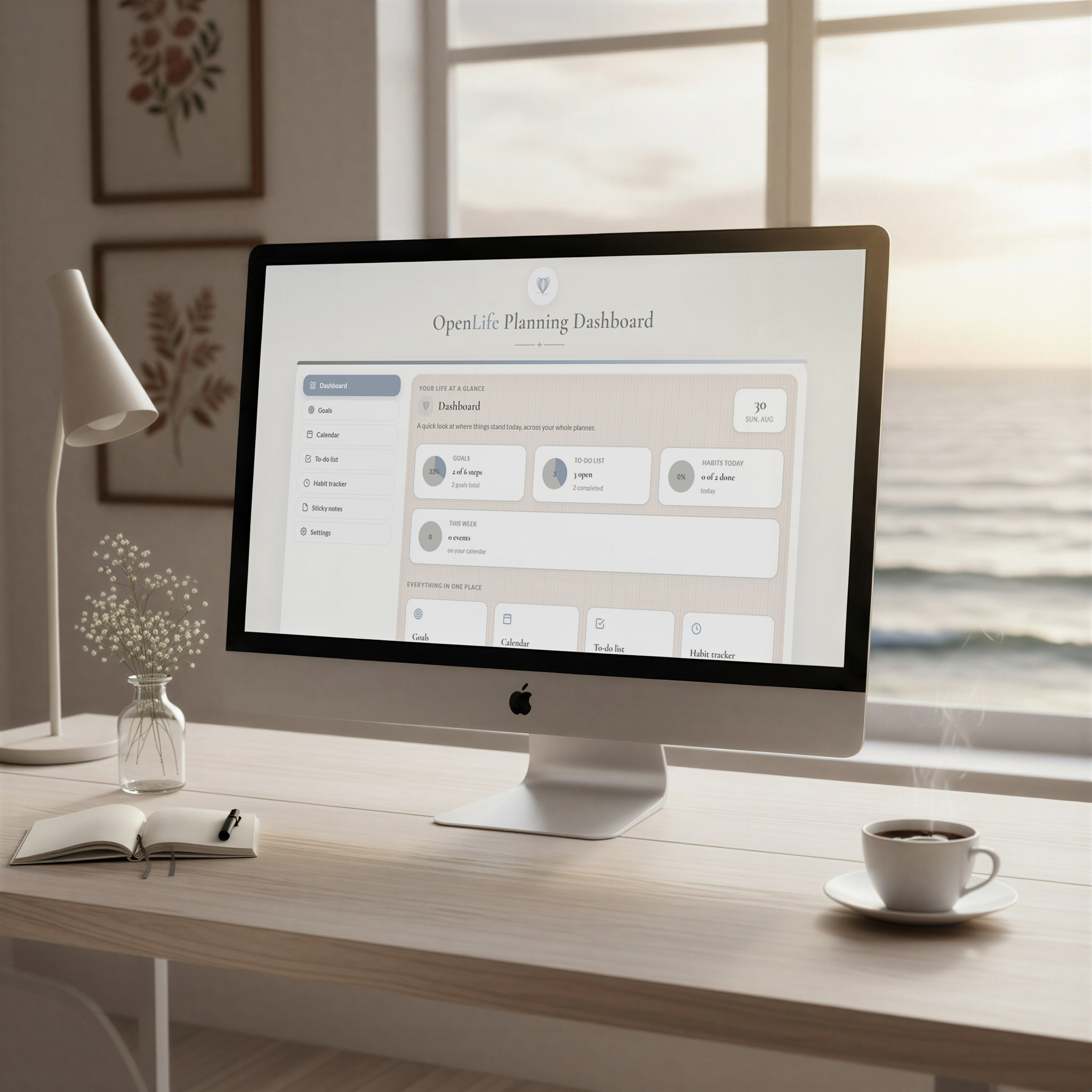
Every OpenLife planner is a single file that becomes a fully working, self-organizing planner the moment you open it in your browser. No install. No account. No 45-minute setup video.
0 min
setup
$0/mo
forever
1 file
to open
100%
on your device
Sound familiar?
You've done the Notion thing.
You built the dashboard. You color-coded the databases. You watched the tutorial twice. Two weeks later you were back to sticky notes — because the tool that was supposed to organize your life became one more thing to manage. That's not a you problem. That's a category problem.
Option one
Static PDFs
Pretty, but dumb. Import them into GoodNotes or print them out — you still do all the math and all the sorting yourself.
Option two
Build-it-yourself platforms
Powerful, but they hand you a blank canvas and call it a solution. You're buying a part-time job as your own software developer.
The third option
The browser planner
Somebody already built the system. You just open the file and use it.
Who it's for
Find the dashboard built for your day.
Every planner is a digital download — no app, no login, no subscription. Pick the shelf that matches what you're planning for.
For your own days, weeks, and journeys
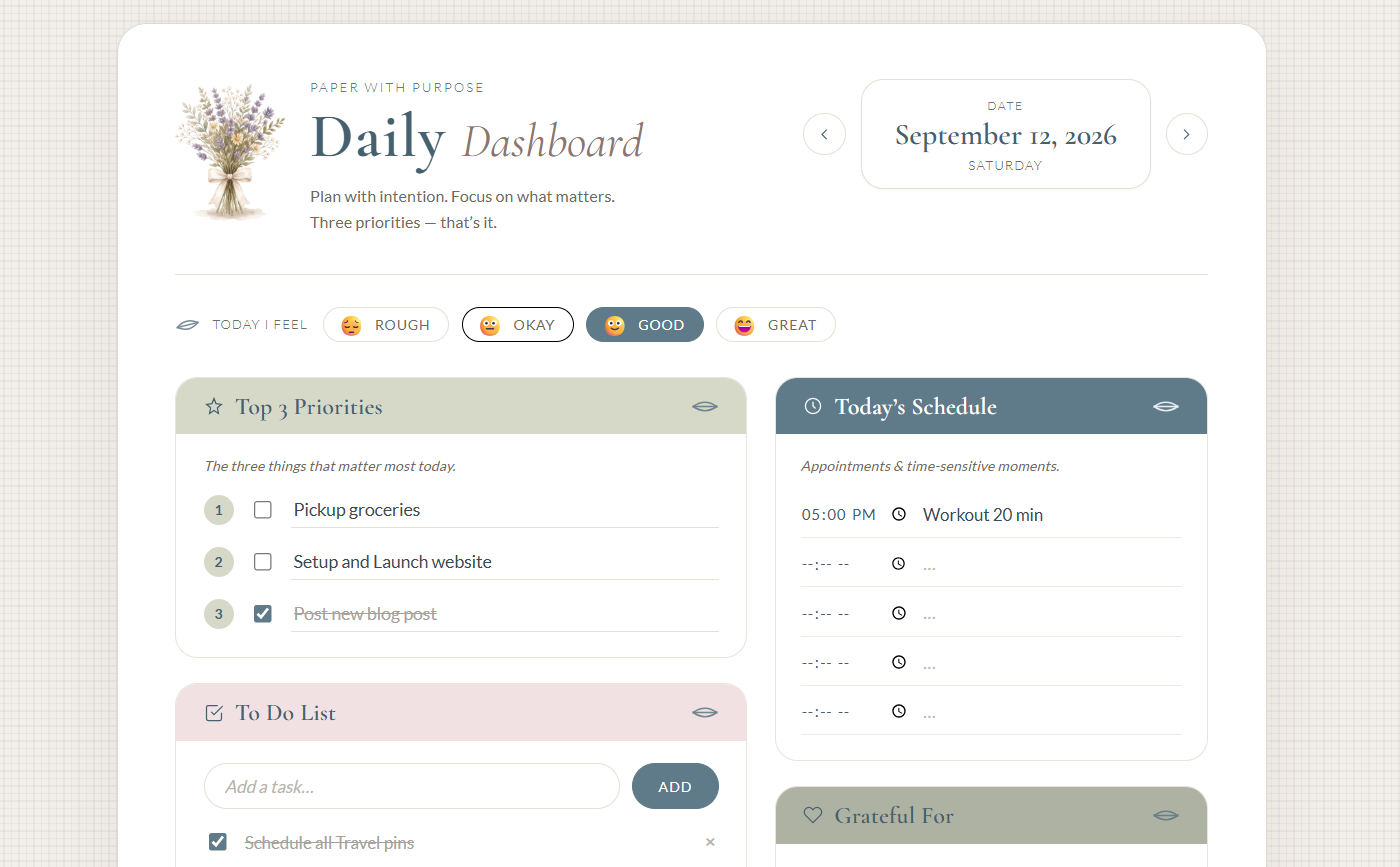
Interactive dashboards for daily life — planning, habits, school, travel, and budgeting.
For people who run a service business
Dashboards built around client work — tracking clients, tasks, time, and invoices, without a subscription or a login.
Juggling multiple clients? VA Business Dashboard →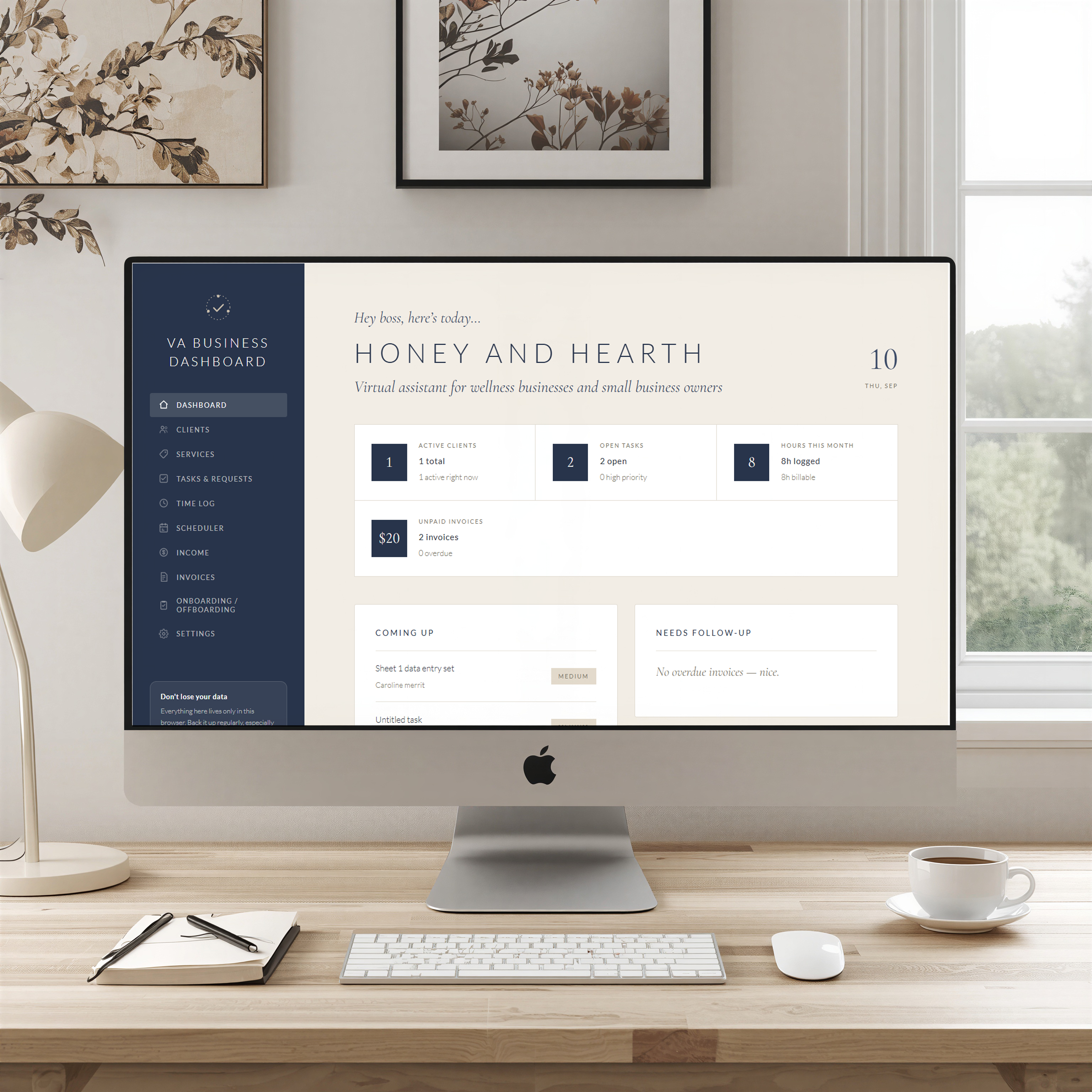
How it works
Meet the browser planner.
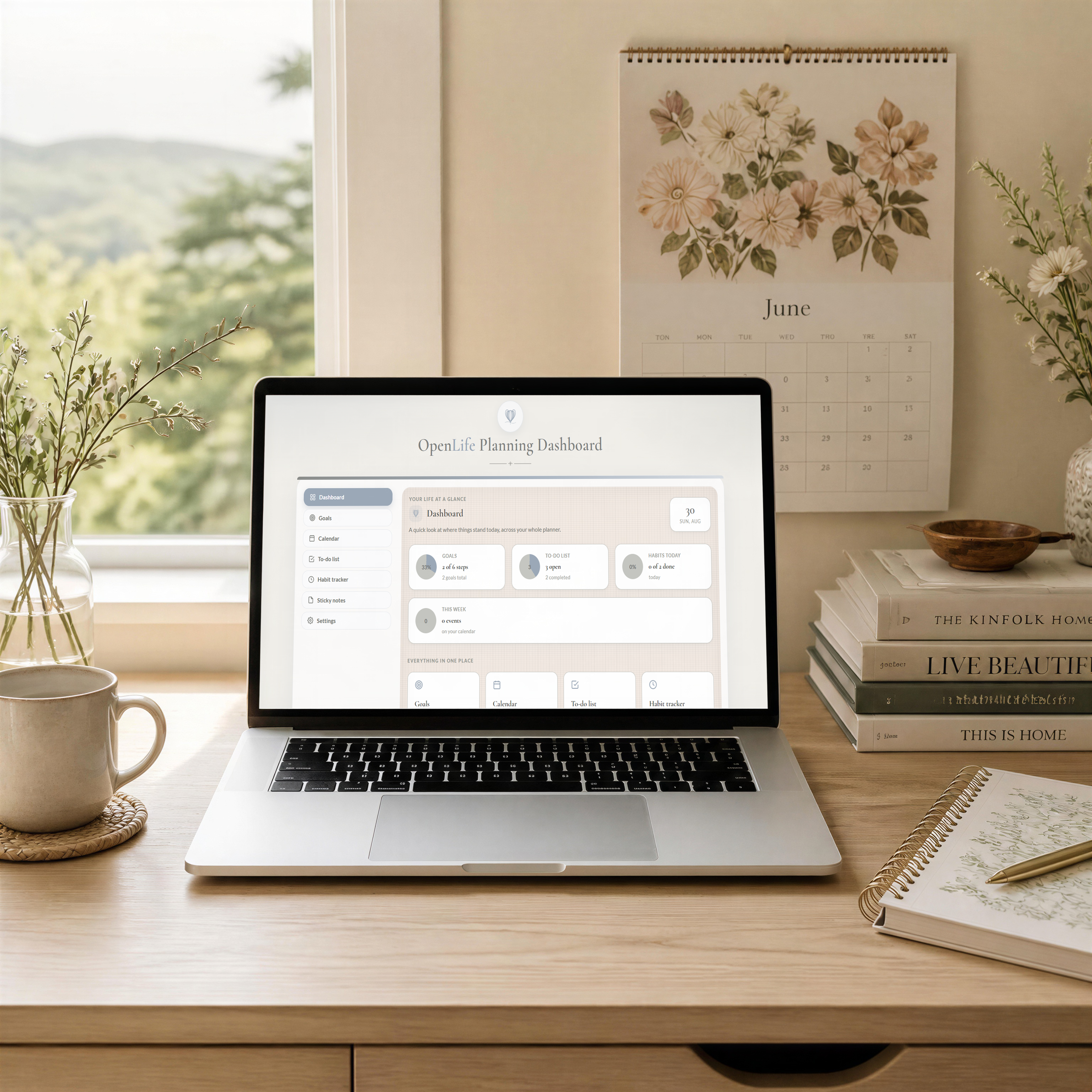
Every OpenLife planner is a self-contained interactive file. Open it, and it behaves like real software — because it is.
Add a class, and it populates your weekly schedule automatically.
Log an expense, and your budget total updates itself.
Check off a habit, and your streak builds on its own.
Close the tab, and everything's still there next time — saved locally, automatically.
No database schema to design. No templates to duplicate and rename. No integrations to configure.
Why it's different
Same goal. Very different week.
| Paper / PDFs | Notion / ClickUp | OpenLife planners | |
|---|---|---|---|
| Setup before you can use it | — | Hours (or never finished) | 0 minutes |
| Does the math and sorting for you | No | Only if you build it | Yes, out of the box |
| Monthly cost | — | Often yes | Never |
| Account or login required | No | Yes | No |
| Your data lives | On paper | In their cloud | On your device, period |
| Learning curve | Low | Real | None |
No server, no strings
Your data. Your device. Your control.
Nothing you type gets uploaded anywhere. There's no account because there's no server — your planner saves itself locally in your browser as you work. Want a backup, or to move to a new laptop? One click exports a file you keep. No company holding your goals, your grades, your budget, or your travel documents behind a login screen.
Questions, answered
{{ faq.q }} +
{{ faq.a }}